
Necessary cookies
Essential to the operation of the site and to remembering your cookie choices.
Vehicles and data
The same name can hide two different engines. Match the correct vehicle version to your tool's symptom and reading to choose the checks that make sense.
See an example file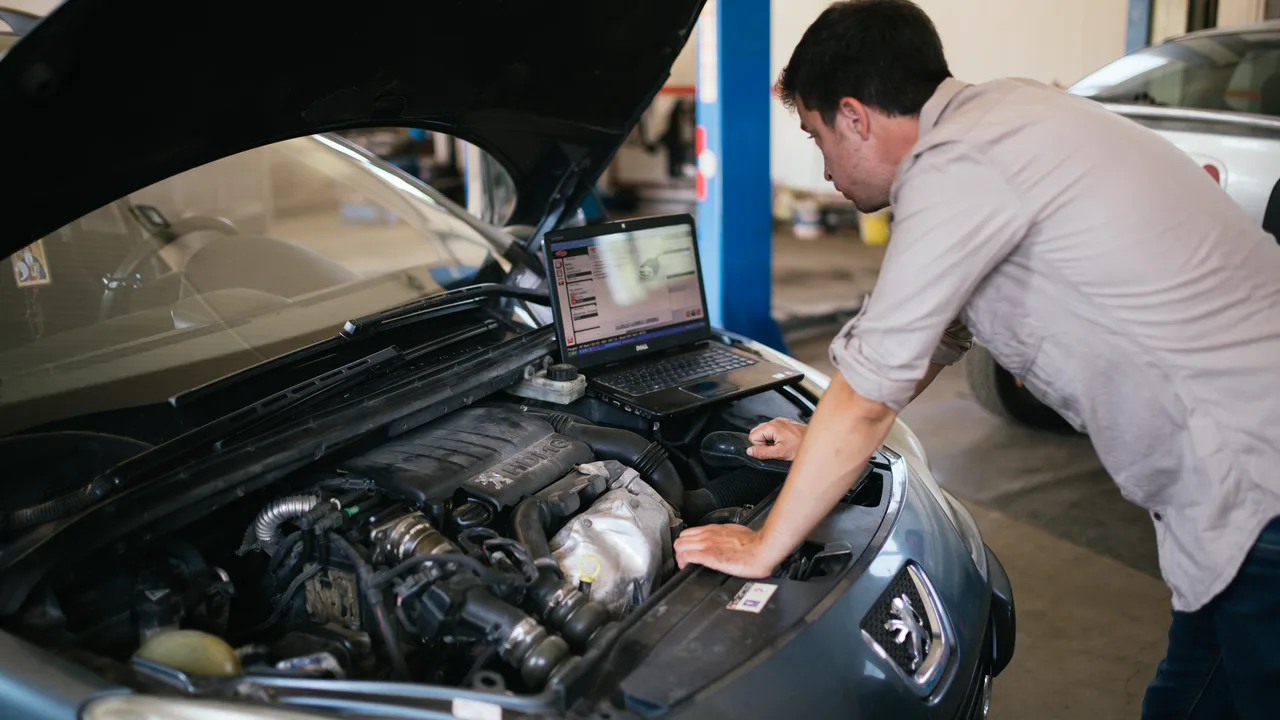
Illustrative photo · Nenad Stojković (Shixart1985) · CC BY 2.0 · Photo cropped and resized.
A workshop example
On this Astra J, the suitcase notes a lean mixture and misfires. The driver also describes a whistling sound near the cylinder head cover. By bringing this information together, the technician can choose where to look for an air inlet.
The link between the two defects remains an avenue. A conclusive check and return of repair is missing.
Enter the known make, model, year, engine and mileage. If you have the engine code, add it. It helps to distinguish between two versions that have the same trade name.
Specify whether the problem appears cold, hot, idling or under load. Note the frequency and what has already been attempted. A phrase like “the idle oscillates on first start” is more usable than a supposedly defective part.
Keep the complete code, the name of the tool, the computer queried and the status of the fault. For a measured value, add the unit, measuring point and conditions. Report calculators that did not respond.
FAQ
Reading is done with your equipment. Report the results in the file, specifying the tool used and the calculators questioned. A OBD engine drive can leave aside braking or bodywork.
Yes. Describe the symptom in your own words, its frequency and the circumstances in which it appears. A noise when cold, a slow start or a loss of power under load already gives a starting point. Prepare a file without fault code
The accessible information varies depending on the engine, ECU, market and reading tool. Verify that the documentation corresponds to the installation in question. If any data is missing, indicate that it remains to be confirmed.
Keep the original report. Note the complete codes, their status, and the conditions recorded at the time of the fault when your meter provides them. This allows readings to be compared before and after a check. Read the diagnostic report