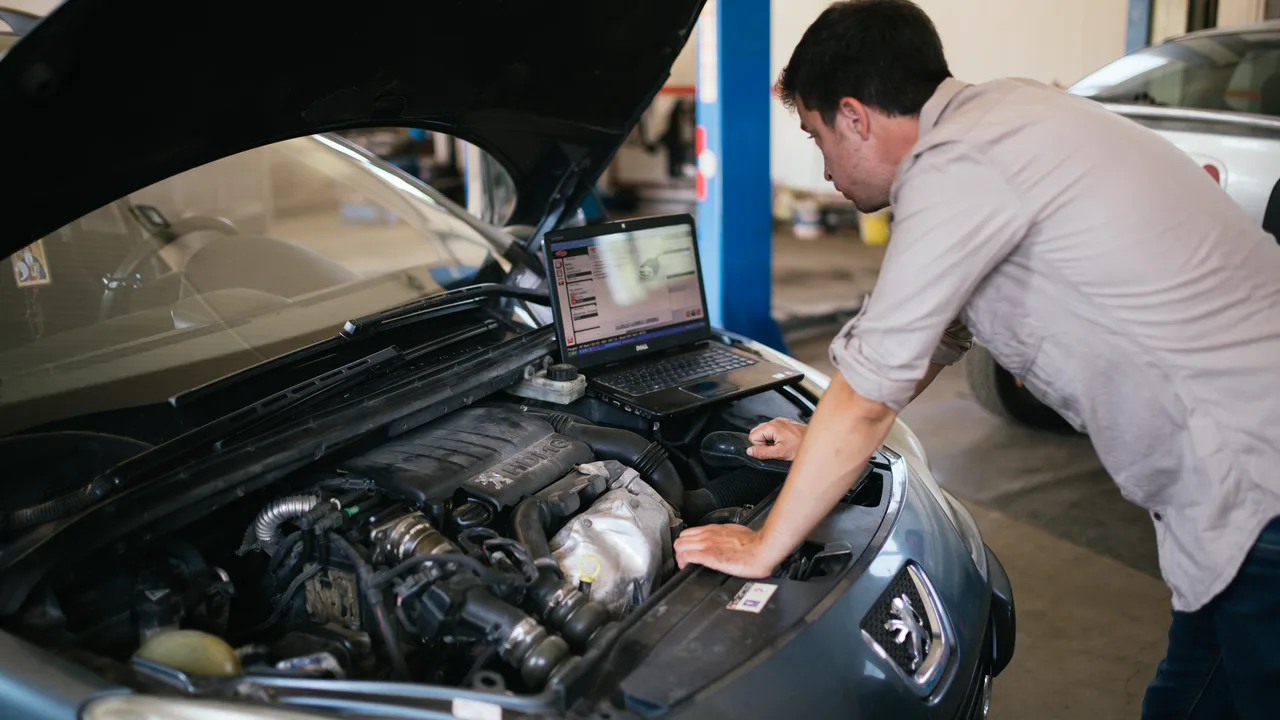

What access to prepare in France?
Business account
The first user to register the workshop with ONE Business ID becomes an administrator. Prepare the company’s supporting documents and designate the person who will invite the employees.
Existing licenses
An annual license can be transferred for its remaining term. Check the box used in the old portal, the order references and the end date before any new purchase.
Documentation and diagnosis
Check the RMI scope and the ODIS product of the brand separately. The manuals and diagrams accessible in the ODIS session are announced until November 30, 2026 in the Volkswagen prerequisites.
The ODIS package for the new portal starts upon purchase. First prepare the station, the brand data and a compatible interface. Each technician must have the appropriate rights and working context. For an operation subject to authorization, have access confirmed by the importer.
The pre-purchase preparation sheet
- Business
- Administrator, address used in the old portal, users and establishment.
- Intervention
- Brand, necessary documentation, ODIS product and current license dates.
- Post
- Individual GRP account, brand work context, ODIS version and validated interface.
Example of message to adapt
“Our annual license expires on […]. The company account is created and the technician can log in. The transfer does not appear for the brand […]. Here is the order reference and the date of the report. »
FAQ
Frequently asked questions
Can I purchase before preparing for the post?+
The time begins with the purchase in the new portal. Install the software and data and verify your access before choosing the duration.
Who to report a missing transfer to?+
Gather the order reference and deadline, then contact erWin support. Keep passwords and activation codes private.
Technical sources
Prepare the diagnosis with Diagolia
Gather available observations and readings to help the shop decide on next checks.