
01 · Put the event in context
Two screens. Two different moments.

The recorded moment
A freeze frame is a snapshot retained by a control module. The exact capture point depends on the vehicle’s strategy. It does not necessarily coincide with the moment the driver noticed the symptom.
What is happening now
Live data changes during the scan. An engine currently idling can therefore have a freeze frame showing 2,300 rpm and 70 km/h: the two screens describe different moments.
In emissions-related OBD/EOBD diagnostics, mode $01 provides current data and mode $02 provides freeze frame data. Manufacturer-specific menus may offer other records and labels. Their contents vary with the vehicle, control module and tool.
A single snapshot does not describe the problem’s entire development. Some vehicles retain several snapshots: keep their order and identifiers where provided.
02 · Check the reference points
Four reference points to check

The vehicle and scan. Record the engine, tool, date of reading, module scanned and menu used. The reading date is not the date the fault occurred.
The associated code. Find the DTC linked to the snapshot, with its full description. If several codes are present, do not automatically assign the same data to each. The retained record may depend on priorities defined by the vehicle.
The parameter and its unit. Distinguish engine speed, vehicle speed, coolant temperature and air temperature. In particular, check °C/°F, km/h/mph and pressure units.
The information actually available. Mileage, occurrence counts or timestamps may supplement some records. Keep their exact labels and report what is missing.
Labels such as ‘active’, ‘stored’ or ‘permanent’ answer a different question: how is the fault recorded? Read the fault code status guide to interpret them. Status alone proves neither severity nor the cause of a fault.
03 · Read line by line
Read this snapshot, line by line.
This entirely fictional example explains how to read the data. It comes from neither a customer case nor a Diagolia diagnosis.
The values below are not reference thresholds.
Training vehicle: petrol engine. Engine control module scanned through the OBD/EOBD menu, mode $02 freeze frame data. The code explicitly linked to this record is P0300: random misfire detected.
| Displayed parameter | Fictional value | What it tells you |
|---|---|---|
| Engine speed | 2,300 rpm | An engine-speed reference to compare with the symptom and other values. |
| Vehicle speed | 70 km/h | A recorded non-zero speed, different from an observation while stationary. |
| Engine coolant temperature | 88 °C | The temperature reported by the system at that moment. |
| Calculated engine load | 42% | A calculated load indicator to interpret for this engine. |
| Intake air temperature | 24 °C | The measured air’s thermal context, distinct from coolant temperature. |
First reading.
If the data is consistent, this set describes a running engine and a moving vehicle. It prompts you to ask whether jerking was observed in comparable conditions, rather than focusing only on the current idle behaviour.
What remains unknown.
This record does not specify the gear, gradient, any acceleration or the date of the event. Speed alone cannot reconstruct the driving conditions.
The useful next step is to compare this context with the driver’s account and the diagnostic procedure for the engine concerned.
04 · Record the limitations
If data is missing or seems inconsistent

An empty screen does not establish that no fault occurred. A record may not be available for this fault, may no longer be retained or may not be accessible in the menu used.
Record precisely ‘freeze frame data unavailable with this tool and this scan’. Then check tool coverage and the vehicle documentation. Never fill gaps with current measurements.
An unexpected value also needs checking: unit, label, link to the code, then consistency with other parameters. For the terms used in the report, consult the automotive diagnostic glossary.
05 · Prepare the next steps
Keep the evidence and prepare the next steps
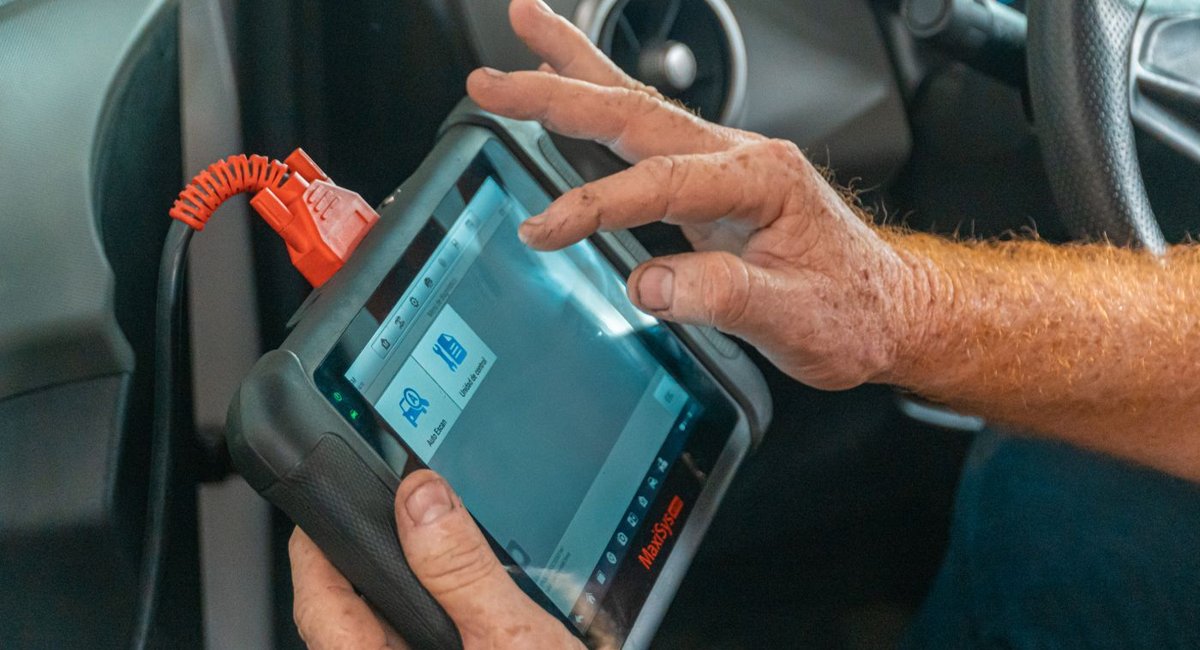
Before any code clearing:
- save the complete report and every accessible snapshot;
- keep the associated code, labels and units, even in a screenshot;
- record the reading date, tool and modules scanned;
- describe symptoms, the conditions in which they occur and recent work;
- clearly separate freeze frame data, live measurements and driver observations.
Clearing codes can remove freeze frame data and reset emissions readiness monitors to ‘not ready’. It should be a planned diagnostic step, followed by checks. Empty memory immediately after clearing does not confirm a repair.
FAQ
Frequently asked questions
Does every code have its own freeze frame?+
Not necessarily. The number of records and their associations depend on the vehicle and diagnostic type. Check the code shown for each snapshot.
Is a freeze frame value that differs from the current value abnormal?+
Not in itself. First compare conditions: engine stopped or running, engine speed, temperature and load. Two different moments can produce different values.
Can diagnosis continue without freeze frame data?+
Yes, provided this limitation is recorded. The professional uses symptoms, other reports and suitable checks. Our guide ‘A fault with no fault codes’ helps prepare useful information when no useful code is available.
Prepare your case in Diagolia
Gather the vehicle details, symptoms, codes and checks already performed. Keep the original report handy to distinguish what was observed from what still needs verification. Diagolia helps structure the reasoning; checks and the final decision remain with the technician.